

Samsung has long competed directly with Apple and Google in the premium smartphone arena. While all three brands deliver powerful hardware and polished software, Samsung has carved out a distinct identity by offering features that simply cannot be found on any other device. These tools are deeply integrated into the Galaxy ecosystem, providing practical benefits that range from enhanced privacy to creative flexibility.
For users who prioritize niche capabilities over raw specs, these exclusive functions can be the deciding factor. Below, we break down five Samsung-only features that give Galaxy devices a genuine edge.
1. Secure Folder: Your Private Vault
Privacy is paramount in the digital age, and Samsung's Secure Folder, powered by the Knox security platform, offers a level of protection that goes beyond standard Android features. Similar to Android's Private Space, Secure Folder creates an encrypted container where you can store sensitive files, photos, videos, and even entire apps.
What makes it exclusive? The folder can be hidden from the home screen entirely. You access it only through the settings or a secret shortcut. Biometric authentication—fingerprint or face unlock—ensures only you can open it. Files can be moved or copied, and the folder itself can be backed up to the cloud, though that introduces a potential vulnerability if your cloud account is compromised.
Setting it up is straightforward: navigate to Settings > Security and Privacy > Secure Folder. From there, choose your lock method (pattern, PIN, password, or biometrics). Once active, simply select files from your device and move or copy them into the encrypted space. The icon can be hidden to maintain discretion.
Secure Folder is invaluable for business users, those managing legal documents, or anyone who wants a dedicated space for private content away from prying eyes. Unlike third-party app lockers, it's built directly into the operating system, making it more robust against workarounds.
2. Samsung Wallet: Payments, IDs, and More
Samsung Wallet is a comprehensive digital wallet that merges Samsung Pay and Samsung Pass into one unified app. It supports contactless payments, digital IDs, boarding passes, loyalty cards, and even digital car keys. For U.S. users, it works on Galaxy devices running Android 9 or higher, including the Galaxy S, Note, Z Fold, Z Flip, and A series.
One standout feature is the ability to store digital home keys. Using Samsung SmartThings, you can unlock compatible smart door locks via NFC. This tight integration with Samsung's ecosystem is something Google Wallet cannot match, as Google Wallet focuses more on universal compatibility across brands.
However, travelers may prefer Google Wallet's wider international acceptance. Samsung Wallet is most powerful when you're fully invested in the Galaxy world. It also stores passwords, personal info, and can autofill forms—all protected by Knox. The convenience of having payments, IDs, and access keys in a single, secure app is a clear advantage for Galaxy loyalists.
To get started, open Samsung Wallet, add your credit/debit cards by scanning them, and then add any supported digital IDs or membership cards. The app uses NFC and MST (Magnetic Secure Transmission) for payments, though MST is being phased out in newer models.
3. Private Share: Blockchain-Protected File Sharing
Introduced with the Galaxy S21 series, Private Share is one of Samsung's most security-focused features. It enables encrypted, blockchain-secured file sharing between two compatible Galaxy devices. The sender can set strict limitations: the receiver cannot take screenshots, forward the file, or save it indefinitely. The sender can revoke access at any time, making the file unreadable on the recipient's device.
This is ideal for sharing sensitive documents like tax returns, contracts, or medical records with a trusted person. Before sending, the sender can strip metadata to remove location or device information. The receiver can only view the content; any attempt to capture it is blocked.
Both devices must run Android 9 or newer, and the feature is currently limited to Galaxy smartphones—not tablets. The blockchain layer adds a tamper-proof record of the transaction, ensuring that any unauthorized access attempt is logged. While Samsung's own data collection practices have raised some privacy concerns, the core technology is sound for one-to-one secure sharing.
To use Private Share, open the app (or access it via the Biometrics & Security menu), select a contact, choose the file, and set expiration or access limits. The recipient must also have the app installed. It's a niche but powerful tool for professionals handling confidential information.
4. Second Screen: Wireless Dual-Monitor on the Go
Samsung's Second Screen turns your Galaxy Tab into a wireless external monitor for a Windows PC. It's entirely cable-free and works seamlessly via Wi-Fi. You can mirror your PC screen or extend it, effectively giving you a dual-monitor setup without the bulk of a physical second display.
Two modes are available: Video mode for passive viewing (watching movies or presentations) and Drawing/Gaming mode for low-latency interaction, which is perfect for artists using the S Pen or for gamers who need responsive controls. This feature is available on Galaxy Tab S7, S8, and later models, paired with a Windows 10 (v2004+) or Windows 11 PC.
It's a fantastic solution for travelers, students, or anyone who needs extra screen real estate without carrying a monitor. Just swipe down to open Quick Settings, tap Second Screen, and select your PC. The tablet acts as a high-resolution touchscreen display that can be used with the S Pen for precision input.
While Apple's Sidecar offers similar functionality within the Apple ecosystem, Samsung's version is more flexible because it works with standard Windows PCs, not just Samsung laptops. It also supports touch and pen input natively, making it a versatile tool for creative professionals.
5. Air Actions: S Pen Remote Control
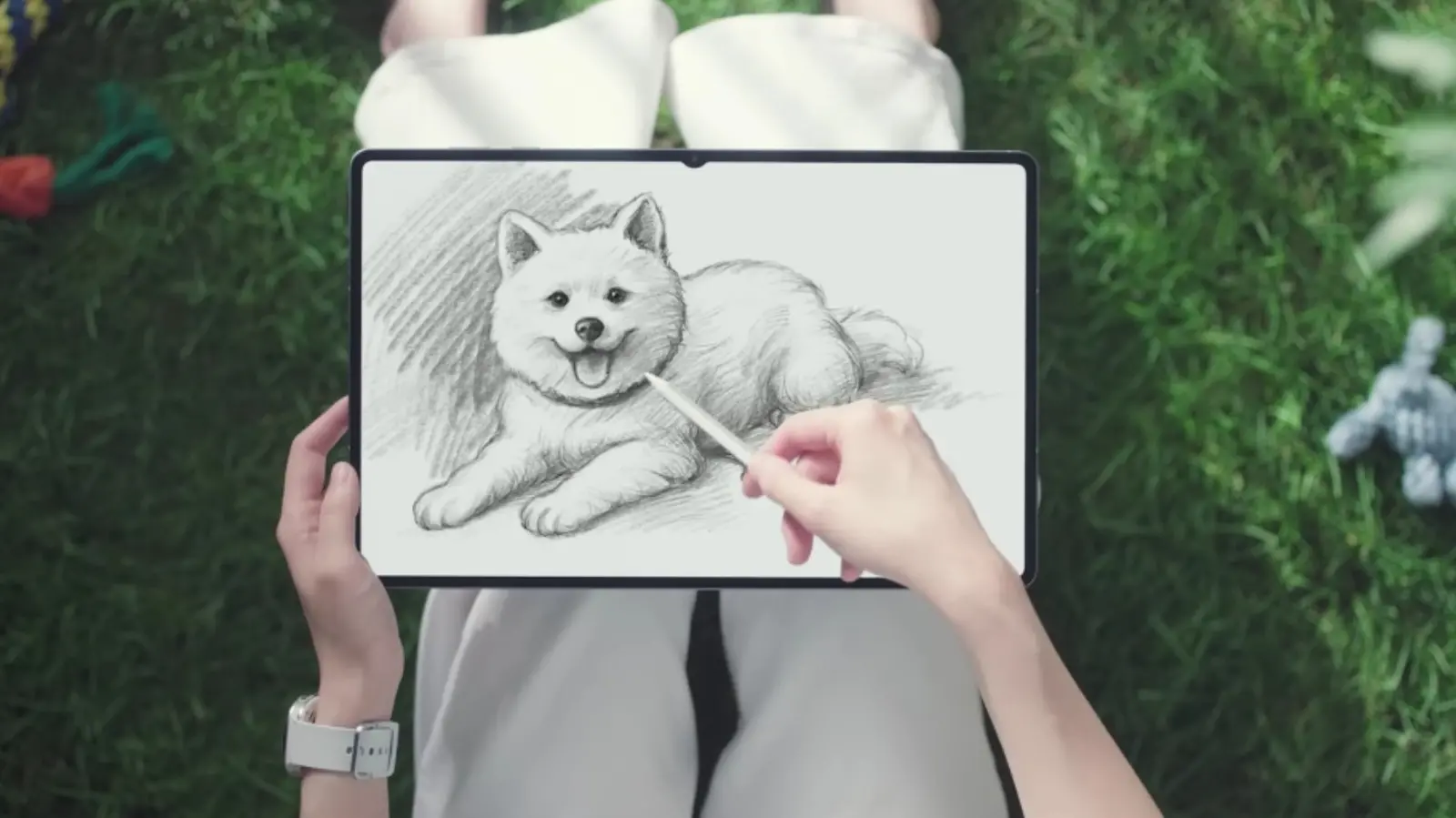
The S Pen is not just a stylus; it's a sophisticated remote control thanks to Air Actions. By pressing the button on the pen and gesturing in the air, you can control various phone functions without touching the screen. Supported gestures include swiping left/right to switch camera modes, flipping through photos, or controlling media playback.
Air Actions require a compatible S Pen—the S Pen Pro and S Pen Creator support these gestures, while the standard S Pen on the Galaxy Tab S series may not. The feature works best on Galaxy Note devices and Galaxy Z Fold series (with the Fold Edition S Pen). You can customize actions in the settings: for example, a circular motion could zoom the camera, or a shake could undo a drawing.
This capability is a boon for presentations, selfies, or any situation where you want to control the phone from a distance. The pen's Bluetooth connectivity enables it to act as a shutter button, making group photos easier. Artists also benefit from the S Pen's pressure sensitivity and tilt recognition for more natural strokes.
Samsung continues to innovate with the S Pen, adding features like handwriting-to-text conversion and translation. Air Actions remain a unique selling point that neither Apple Pencil nor Google's stylus support can replicate.
These five features—Secure Folder, Samsung Wallet, Private Share, Second Screen, and Air Actions—demonstrate Samsung's commitment to providing value-added experiences that go beyond standard Android. For users who invest in the Galaxy ecosystem, these tools enhance productivity, privacy, and creativity in ways competitors have not yet matched.
Source: SlashGear News