

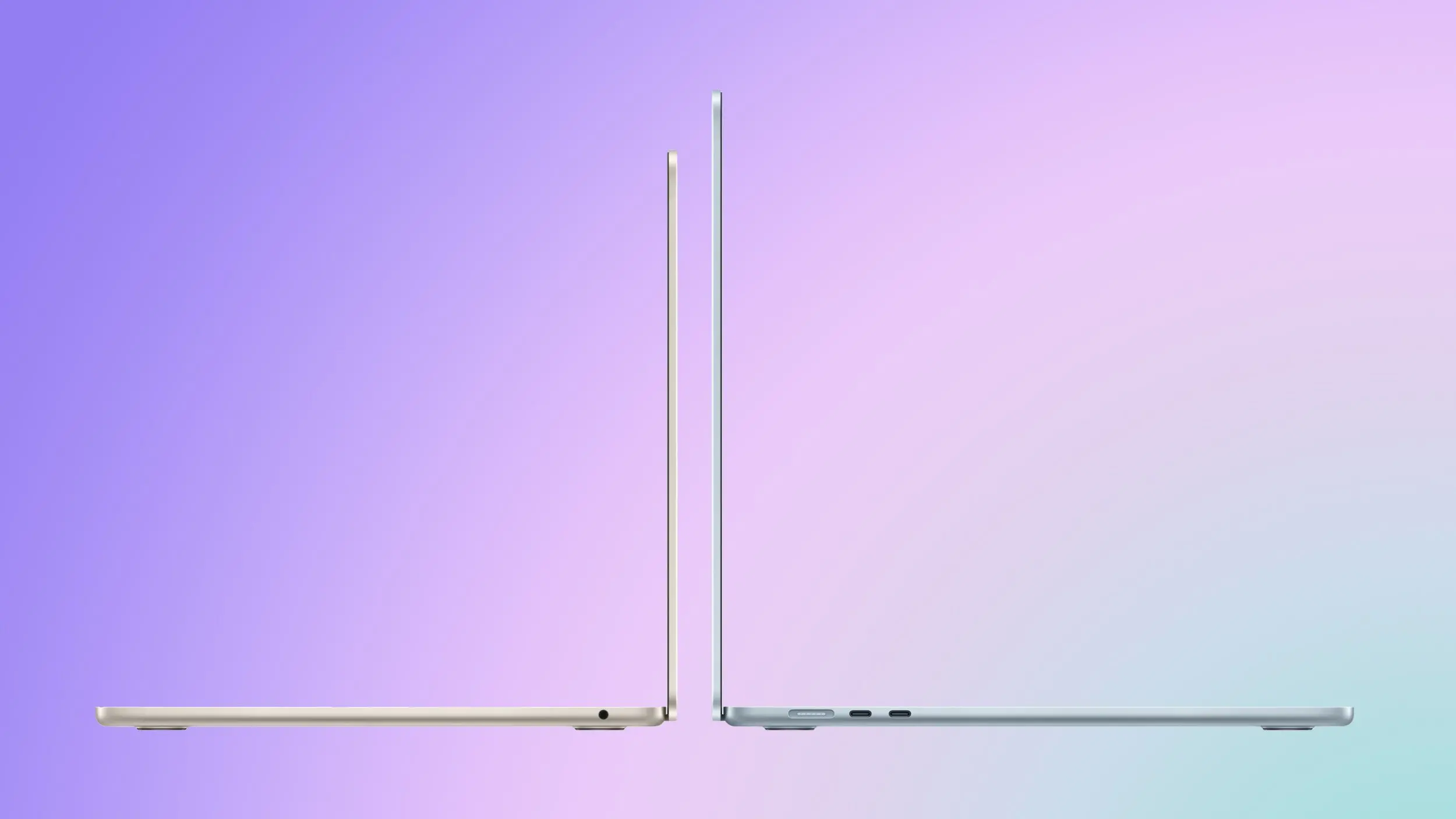
Apple has refreshed its MacBook Air lineup with the M5 chip, discontinuing the M4 model. The new machine introduces meaningful upgrades in performance, storage, and wireless connectivity, but comes at a higher starting price. This guide compares the two generations to help you determine which MacBook Air best suits your workflow and budget.
Pricing and Storage
The M5 MacBook Air starts at $1,099 for the 13-inch model and $1,299 for the 15-inch variant, representing a $100 increase over the equivalent M4 models. However, Apple doubled the base storage from 256GB to 512GB, and the new SSD features PCIe Gen 4 technology, delivering roughly twice the read and write speeds of the M4's Gen 3 drive. At launch, upgrading the M4 Air from 256GB to 512GB cost $200, so the M5 effectively offers $100 more value when considering storage alone. Education pricing further reduces the cost by at least $100, making the M5 a more attractive long-term investment for students and educators.
Performance Comparison
CPU and GPU
The M5 chip is built on TSMC's third-generation 3nm process (N3P), whereas the M4 used the second-generation node (N3E). This architectural refinement enables a 15% improvement in multithreaded CPU performance and up to 30% faster overall graphics performance. The ray tracing engine advances to its third generation, offering 45% faster performance in ray-traced workloads. The GPU also includes enhanced shader cores and second-generation dynamic caching, which improves memory efficiency and reduces latency.
AI and Machine Learning
One of the most significant architectural changes in the M5 is the integration of a dedicated Neural Accelerator in every GPU core, a feature absent from the M4. Combined with Metal 4 developer APIs and Tensor capabilities, the M5 delivers up to 4 times the peak GPU compute for AI tasks. Real-world benchmarks show a 3.6x faster time to first token for large language models, 1.8x faster processing in Topaz Video Enhance AI, and 2.9x faster AI speech enhancement in Premiere Pro. The unified memory bandwidth also increases from 120 GB/s to 153 GB/s, benefiting memory-intensive AI and rendering applications.
Memory and Storage
Beyond the faster SSD, the M5 MacBook Air supports up to 4TB of storage (double the M4's maximum), and the memory bandwidth increase is a direct result of the more advanced N3P process and improved memory controller. The M4 model offered 16GB of unified memory as standard, while the M5 continues that baseline but benefits from the higher bandwidth. For workloads involving large datasets, video editing, or complex simulations, the combination of Gen 4 SSD and higher memory bandwidth yields noticeable improvements in responsiveness and throughput.
Connectivity and Features
The M5 MacBook Air gains Apple's new N1 wireless chip, supporting Wi-Fi 7 and Bluetooth 6. Wi-Fi 7 offers lower latency, higher throughput, and better performance in congested environments compared to Wi-Fi 6E on the M4 model. Bluetooth 6 improves range and connection stability. The M5 also supports up to two external displays simultaneously over a single Thunderbolt port, with one display capable of driving up to 8K at 60Hz or 5K at 120Hz. The M4 model required the lid to be open for dual external display support. Additionally, the M5 ships with a 40W Dynamic Power Adapter that can deliver up to 60W, replacing the M4's fixed 30W adapter. This allows faster charging for power users.
Who Should Upgrade?
For users whose daily workloads involve on-device AI inference, 3D rendering, video enhancement, or other GPU-intensive tasks, the M5 represents a meaningful step up. The Neural Accelerators in GPU cores, higher memory bandwidth, and faster SSD collectively produce multi-fold speed-ups in specific operations. Professionals working with local LLMs, diffusion models, or ray-traced production pipelines will see tangible productivity gains. However, for typical day-to-day use such as web browsing, office productivity, media playback, and casual photo editing, the M4 remains more than capable. Most M4 MacBook Air owners will not perceive a difference in these scenarios and have no compelling reason to upgrade.
For new buyers, the M5 is the clearer long-term choice. The doubled base storage alone changes the value equation, and the improved wireless connectivity and display support provide additional future-proofing. If you plan to keep your laptop for several years, the M5 model will better handle the growing prevalence of on-device AI workloads and advanced peripheral demands. The M4 MacBook Air, while still a highly competent machine, is now discontinued and only available through third-party retailers at potentially discounted prices. Your decision ultimately hinges on budget and whether the performance uplift justifies the premium, but the M5's enhancements in storage, connectivity, and GPU architecture make it the more forward-looking option.
Source: MacRumors News